
Office Deskphone & VoIP Installation in Nairobi
Plan office deskphones and VoIP around how your business receives, transfers and makes calls. Amel Technologies discusses new installations, extensions and existing-system assessments in Nairobi. Arrangements for other locations are confirmed against the project scope.
Tell us how many users and locations you have, which phone system or service provider you use and the problems you want to solve. Equipment compatibility, network readiness, service subscriptions and calling requirements need review before a proposal is agreed.
Request an office phone assessment or call +254 796 957 606. Include your location, existing equipment and the approximate number of users.
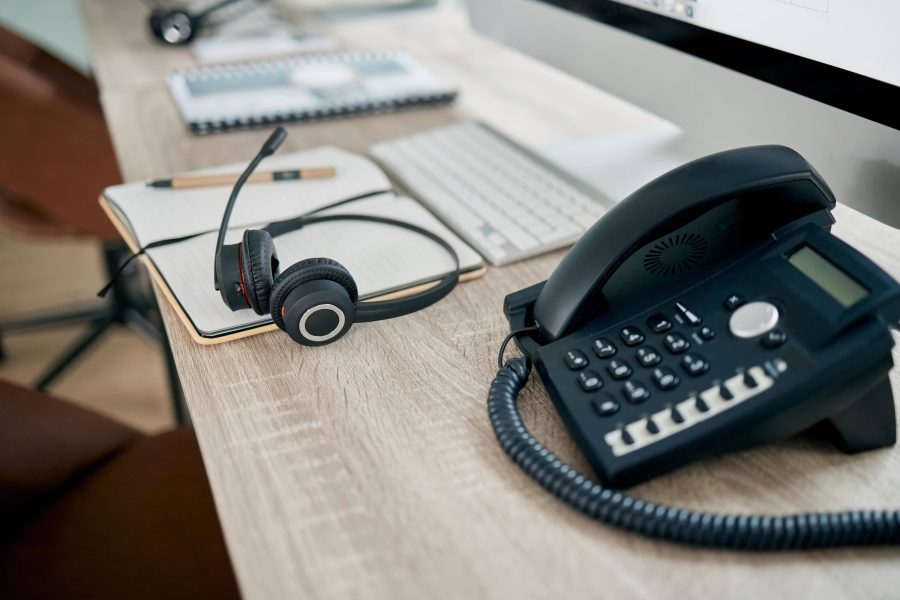
Plan users, extensions and call handling
Start with the work of reception, sales, support and other teams. Agree which users need deskphones, any headset requirements and whether mobile or computer calling is required. Each device and feature must be checked against the chosen system and licences.
- Call flow: describe incoming numbers, opening hours, departments, transfers and unanswered-call handling.
- Capacity: distinguish the number of users from the number of simultaneous calls required. Confirm the proposed service and equipment can support the agreed use.
- Existing phones: provide model numbers and system details before assuming they can be reused.
- Locations and remote staff: describe where people work and agree the supported connection and access arrangements.
- Administration: nominate who will manage extensions, user changes, service accounts and support requests.
Voicemail, conference calling, routing, reporting and integrations depend on the selected platform, configuration and subscription. CRM or other business-system integration requires a specific compatibility and scope review.
Network assessment, installation and handover
Review the existing internet service, local network, cabling, switch ports, equipment power and backup arrangements. If calls are dropping or audio is inconsistent, assess the fault before replacing phones. Discuss related networking and Wi-Fi work separately where needed.
- Assess: review the current system, user needs, call flow, provider arrangements, network and installation access.
- Agree and configure: specify phones, any platform or gateway, service responsibilities, extensions, routing, licences and the migration sequence. Confirm recurring charges and external-provider work separately.
- Test and hand over: verify the agreed inbound and outbound calls, transfers, routing and user controls. Review relevant outage behaviour, administrator access and how staff report faults.
When replacing a live system, agree a change window and fallback plan. Keeping an existing number depends on the provider’s available arrangements and confirmation; number transfer or uninterrupted service is not assumed. Calling availability during internet or power loss, and any emergency-calling requirements, must be checked with the chosen provider.
Remote calling and administration need agreed access controls and account ownership. Discuss updates, user removal, support responsibility and any call-recording requirements before enabling those features. Recording and retention settings are a separate business decision, not a default installation feature.
Costs, repairs and common questions
What affects the price?
The number of users, simultaneous calls, phones, platform, licences, cabling, network changes, migration and support scope affect the quotation. Separate equipment and installation costs from recurring service charges and call rates.
Can existing phones be retained?
Possibly, after checking their model, configuration and compatibility with the proposed system and provider. Supply the current equipment details before ordering replacements.
Will VoIP reduce our phone bill?
Compare the proposed service, call rates, subscriptions and support with your actual usage. Savings depend on that comparison; they are not guaranteed by changing the phone technology.
Can you investigate call or registration problems?
Share the affected extensions, symptoms, provider and equipment models, and when the issue occurs. Confirm assessment charges, access arrangements and any provider involvement before troubleshooting starts. Send passwords only through an agreed secure handover, not an enquiry form.
Discuss your office phone requirements
Send an office deskphone or VoIP enquiry with your location, user count and current setup. We can discuss an assessment and agree the equipment, service responsibilities, installation and support scope before you approve a quotation.